

– Risk level
– Positions of the recorded birds
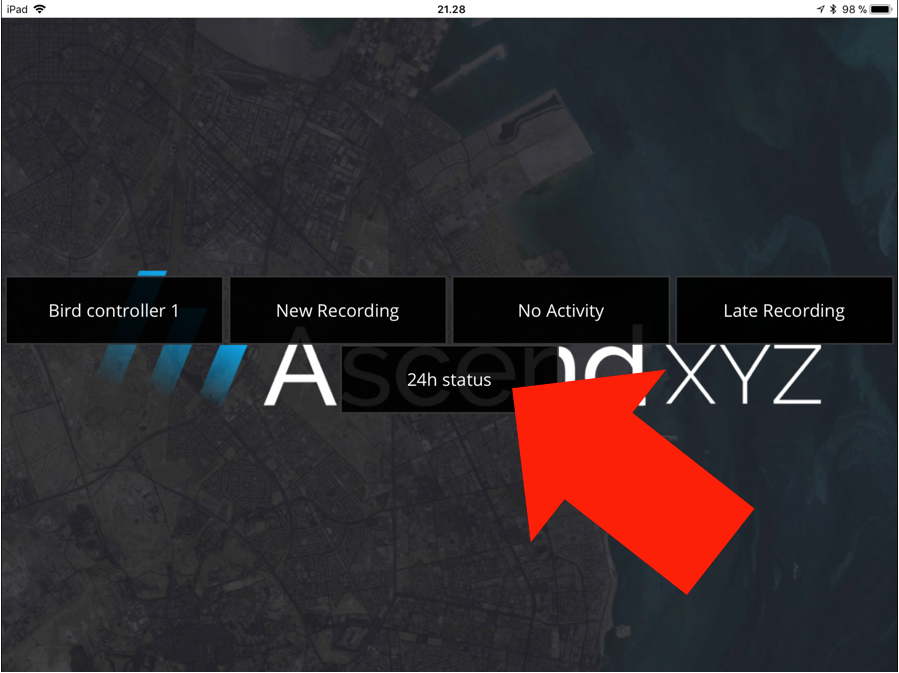
– 24H Recording Overview
– Real-time Risk Overview
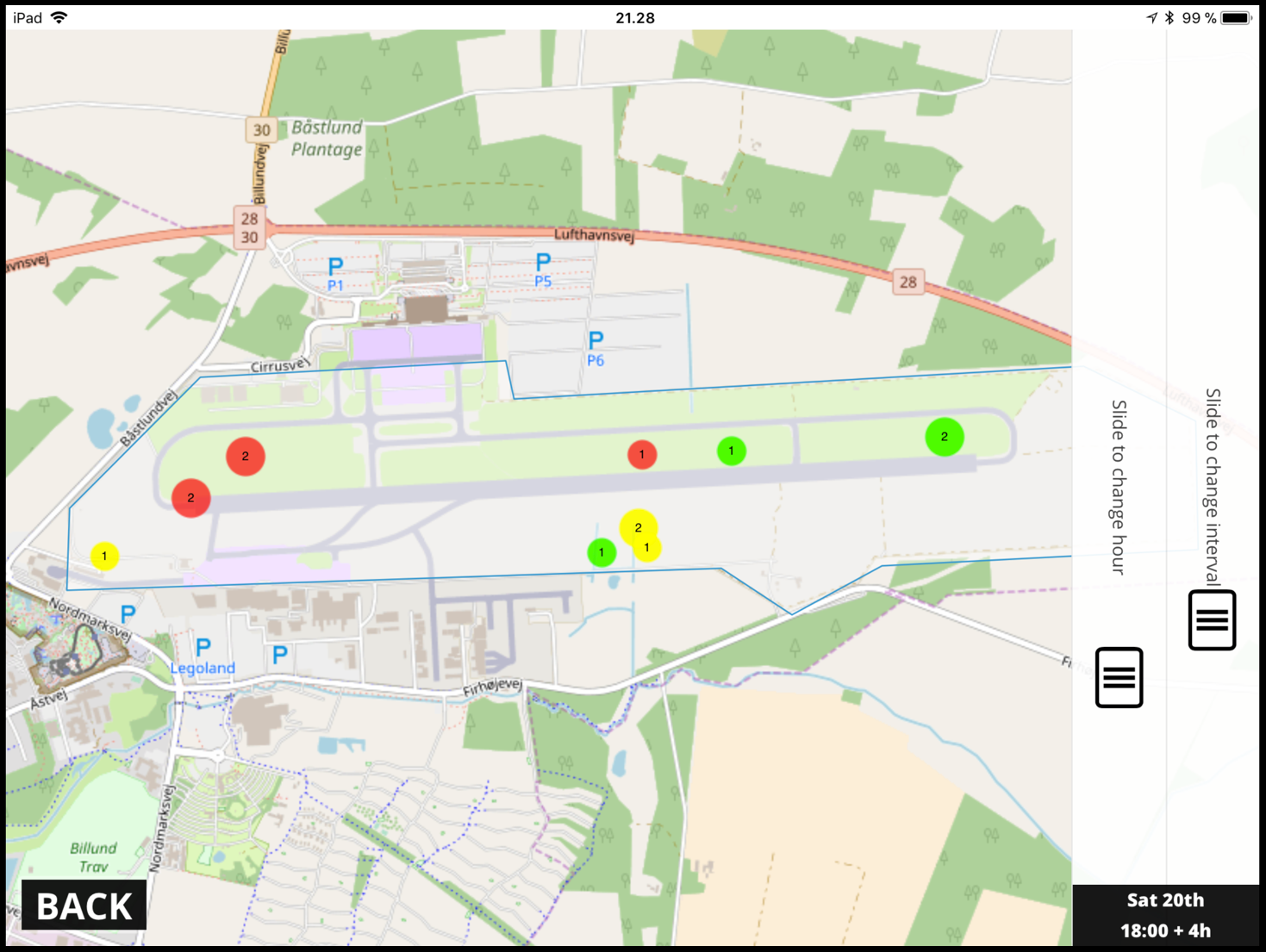
– Risk level
– Positions of the recorded birds
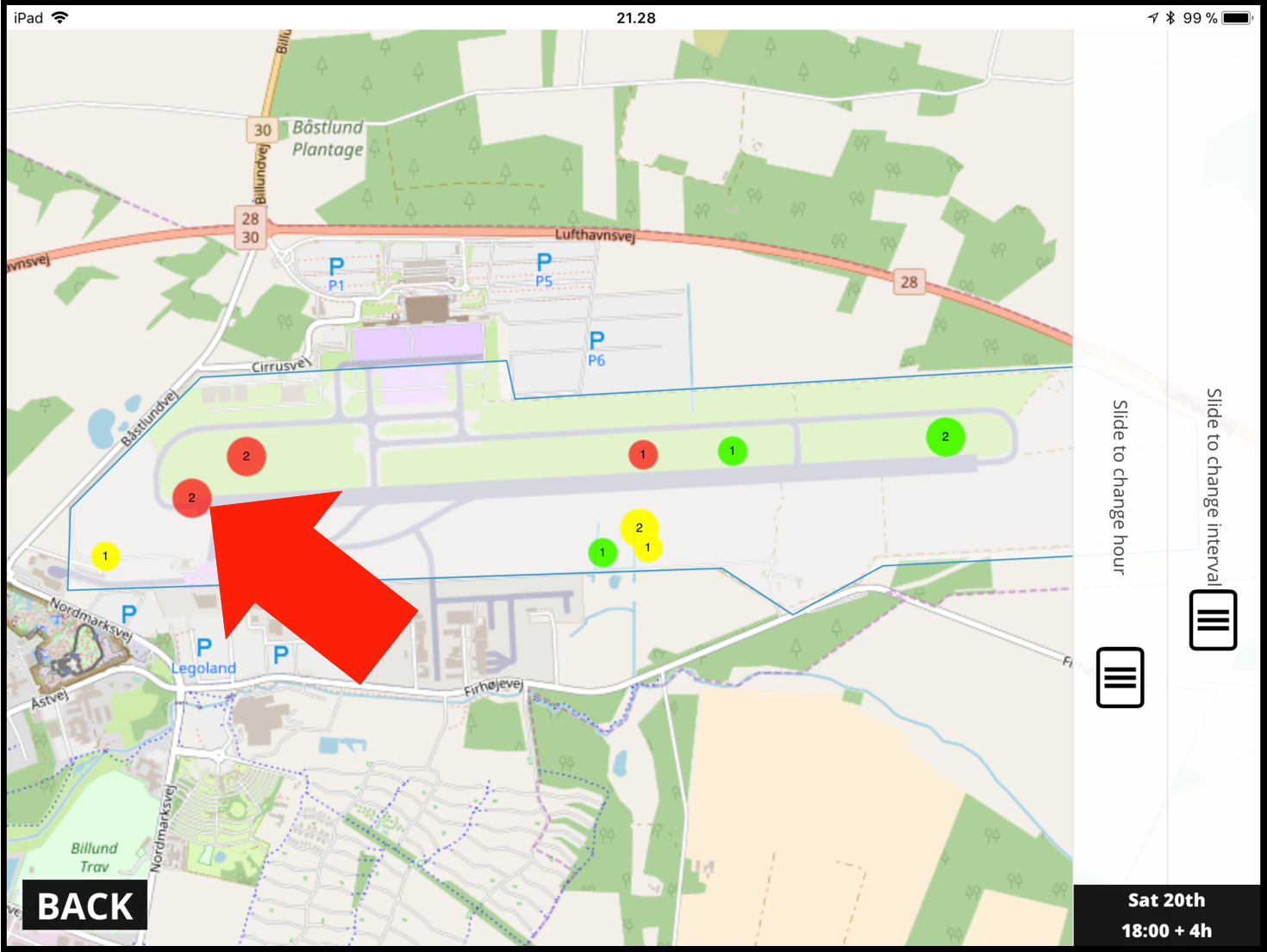
– The number in the circle indicates the number of recordings at the position.
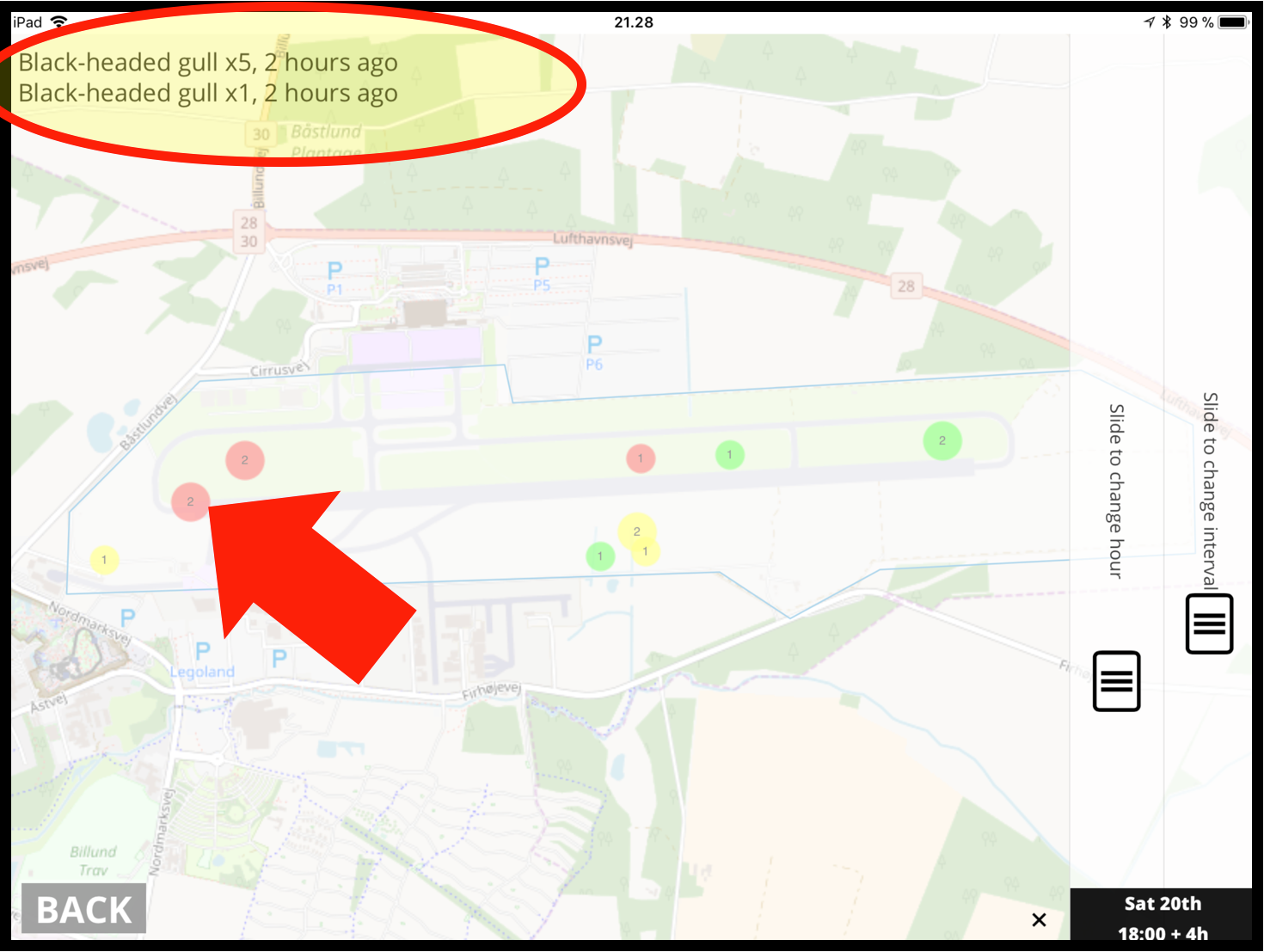
When opening this view you can see:
– Species
– Number of “species”
– Time since recording
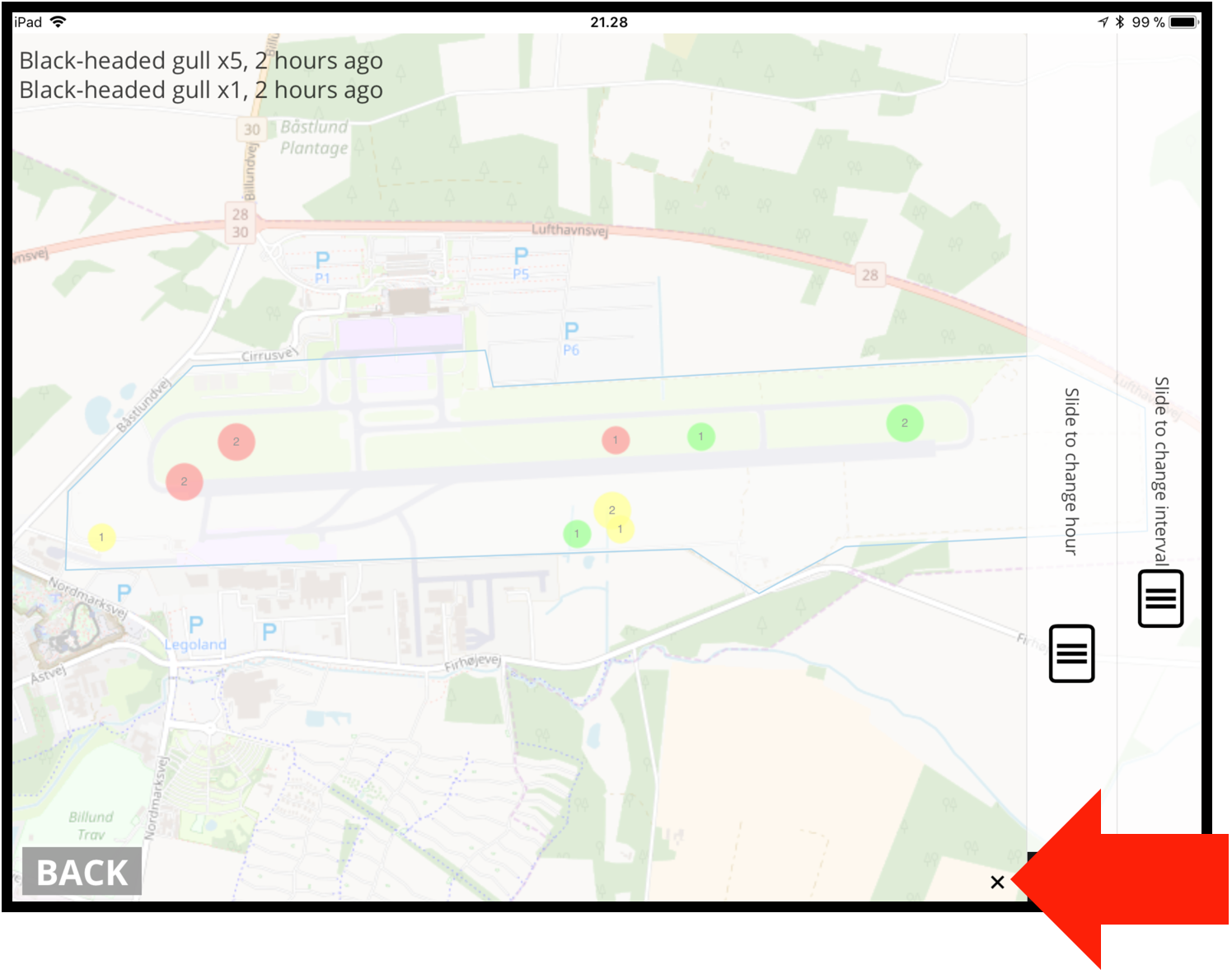
Click on the “x” to close the species view.
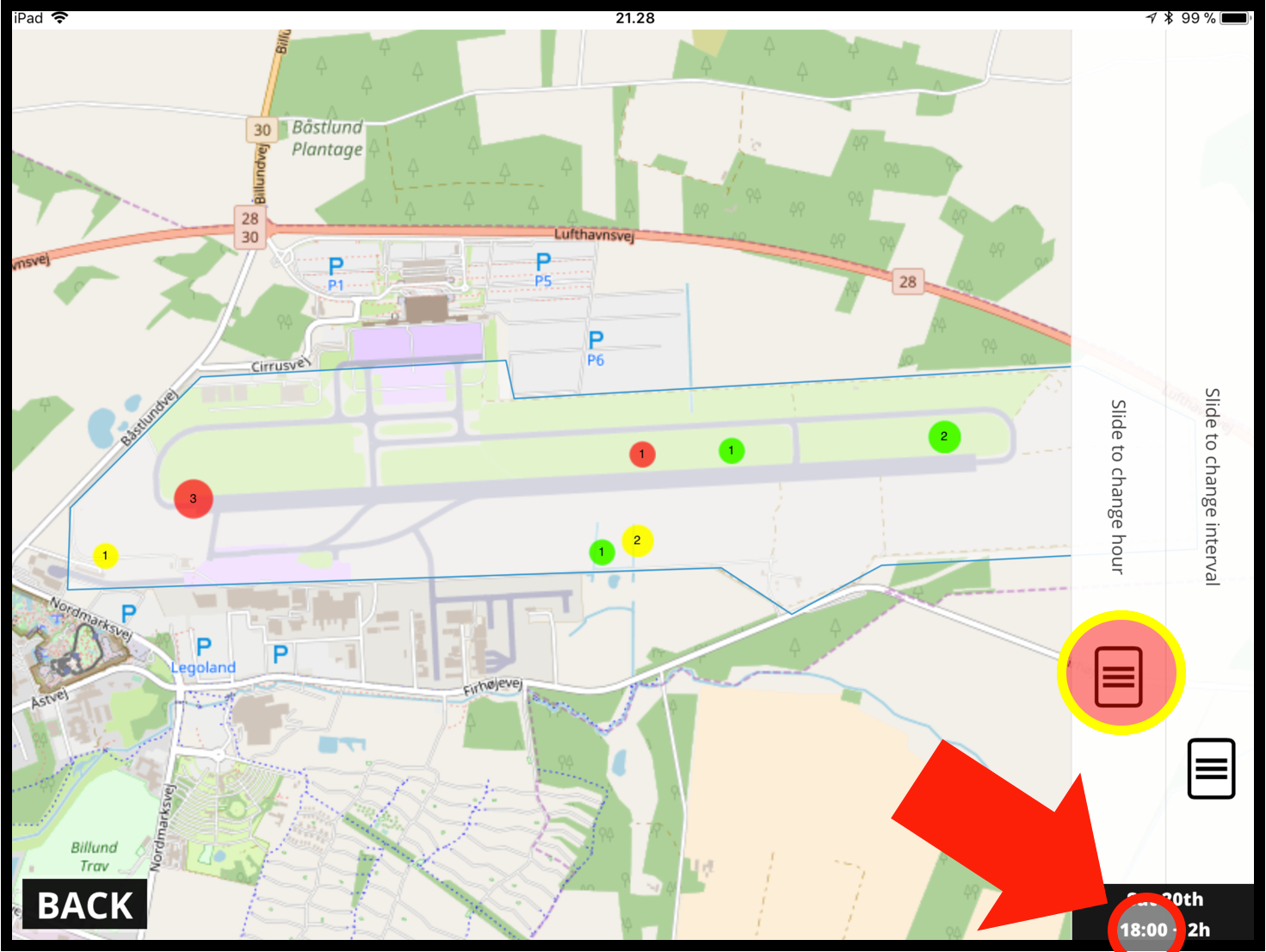
You can set the beginning of the interval up to 24 hours back in time.
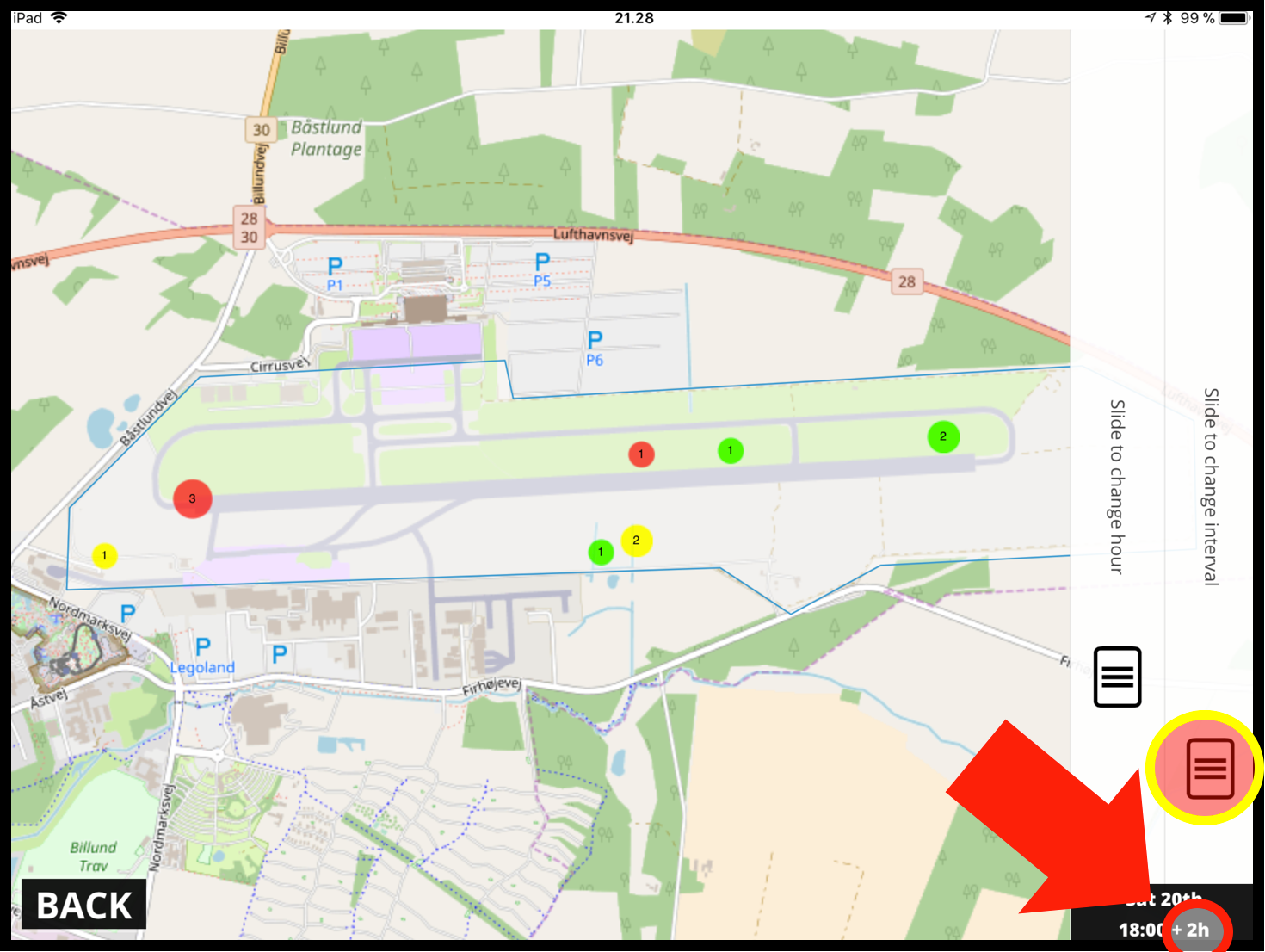
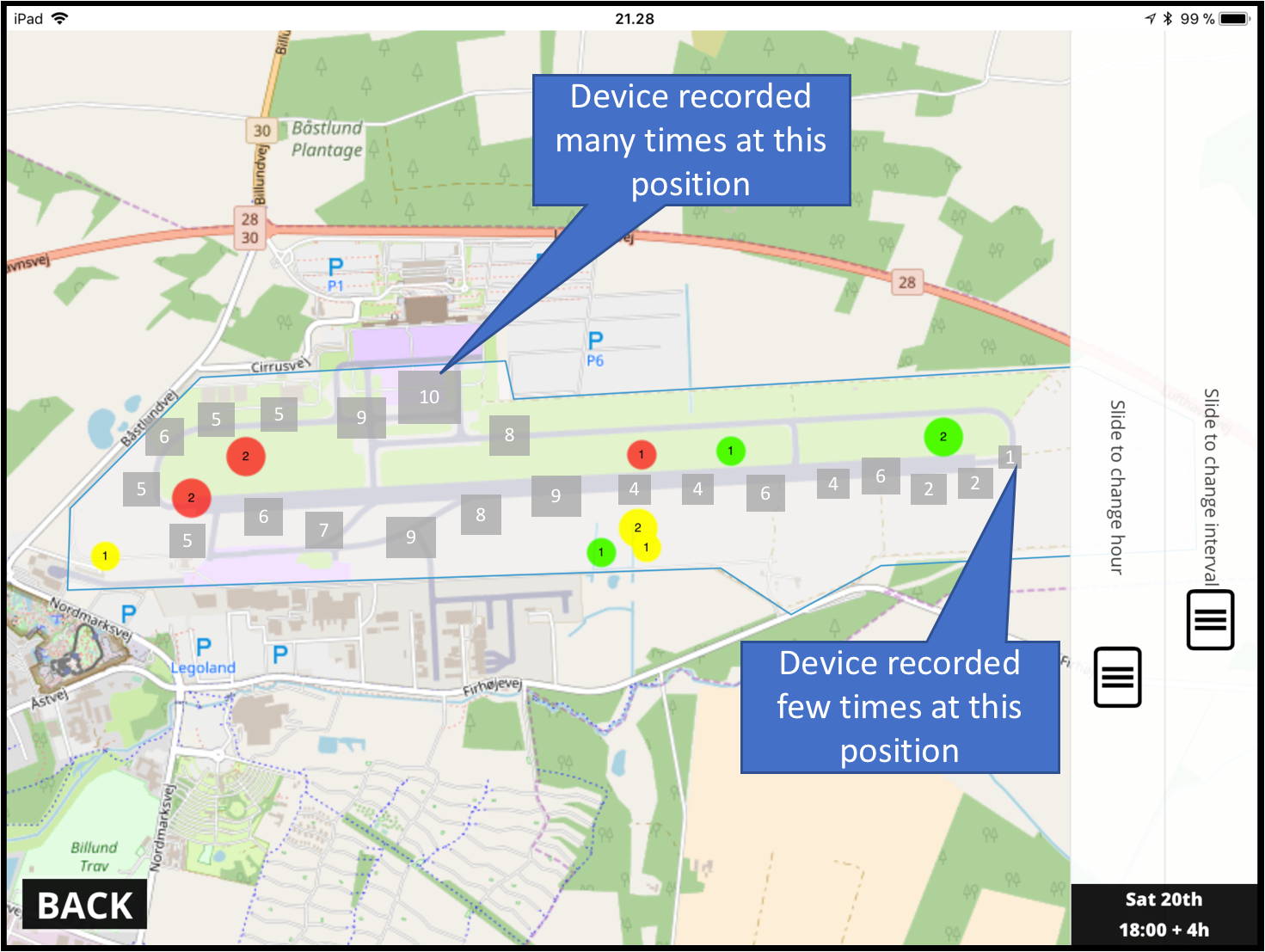
You can choose to view the position of the Bird Control Vehicle – this is indicated by the grey boxes.
The grey boxes show, relative to each other, how many times the device have been at this position, 10 is where the device have been the most, and 1 is the least.
The bird controller can use this information to see if the total airport area has been inspected.
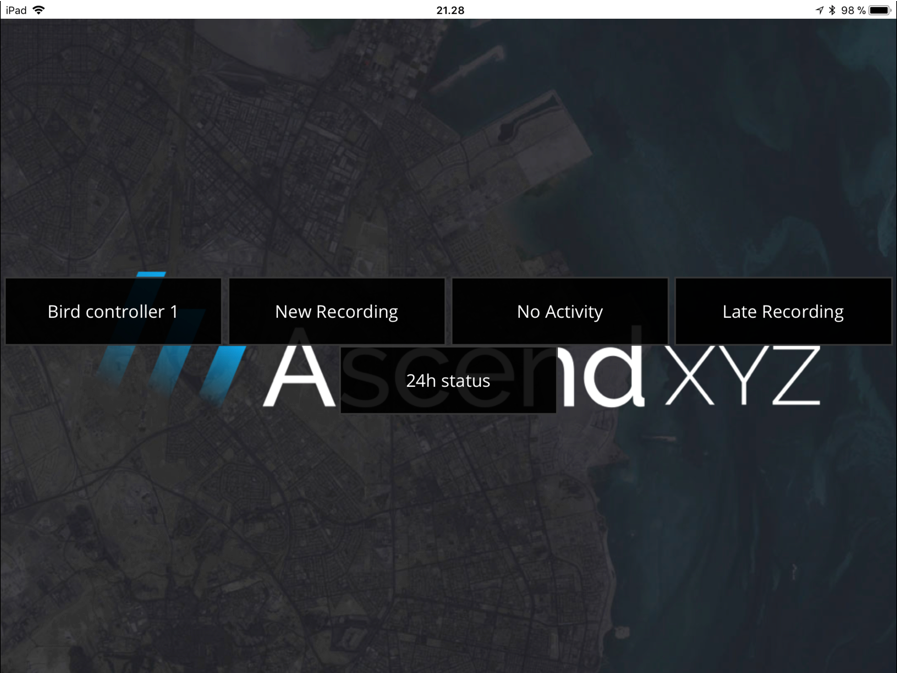
With the 24H status, we are using the recordings of wildlife to give you an instant overview of wildlife on your airport.
By viewing the vehicle position over time, the Bird Controller can make sure that the relevant areas have been inspected.
If multiple devices are being used, data from all devices on the account will be shown in the 24H status – Enabling the bird controller to see where his colleagues have been.
Mobile access is necessary to get full use of the 24H Status