

In the mail we sent to you there is a link to the service – click on it and sign in.
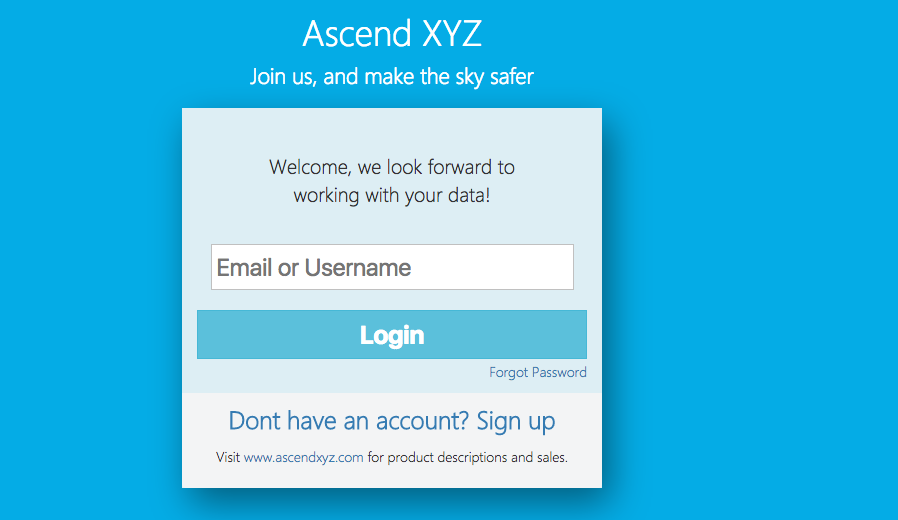
1. Sign in to the service
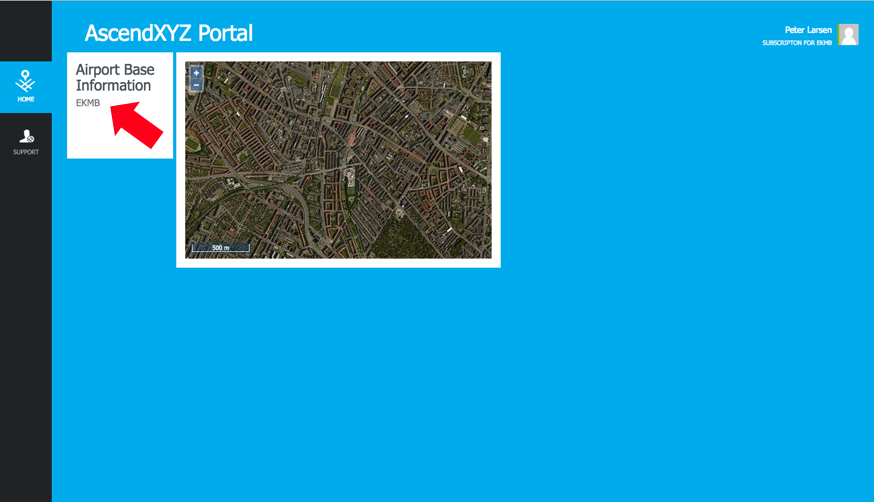
2. Click on “Airport Base Information”
This opens the Airport Base Information page
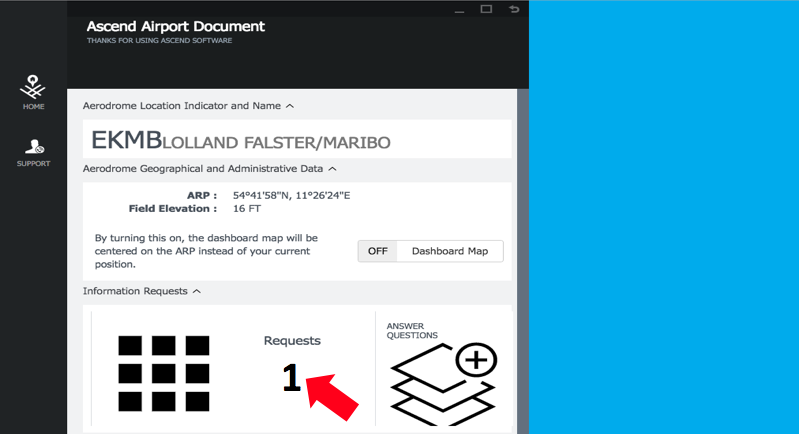
3. Click on “Requests”
Under “Requests” you will see the airlines that are requesting to view your answers
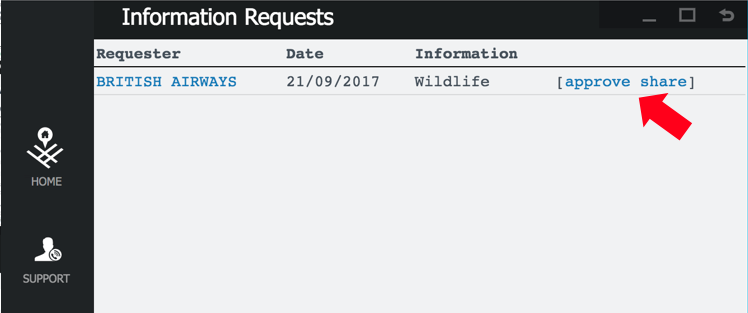
4. Approve New Request
Only the airlines that you approve can view your answers