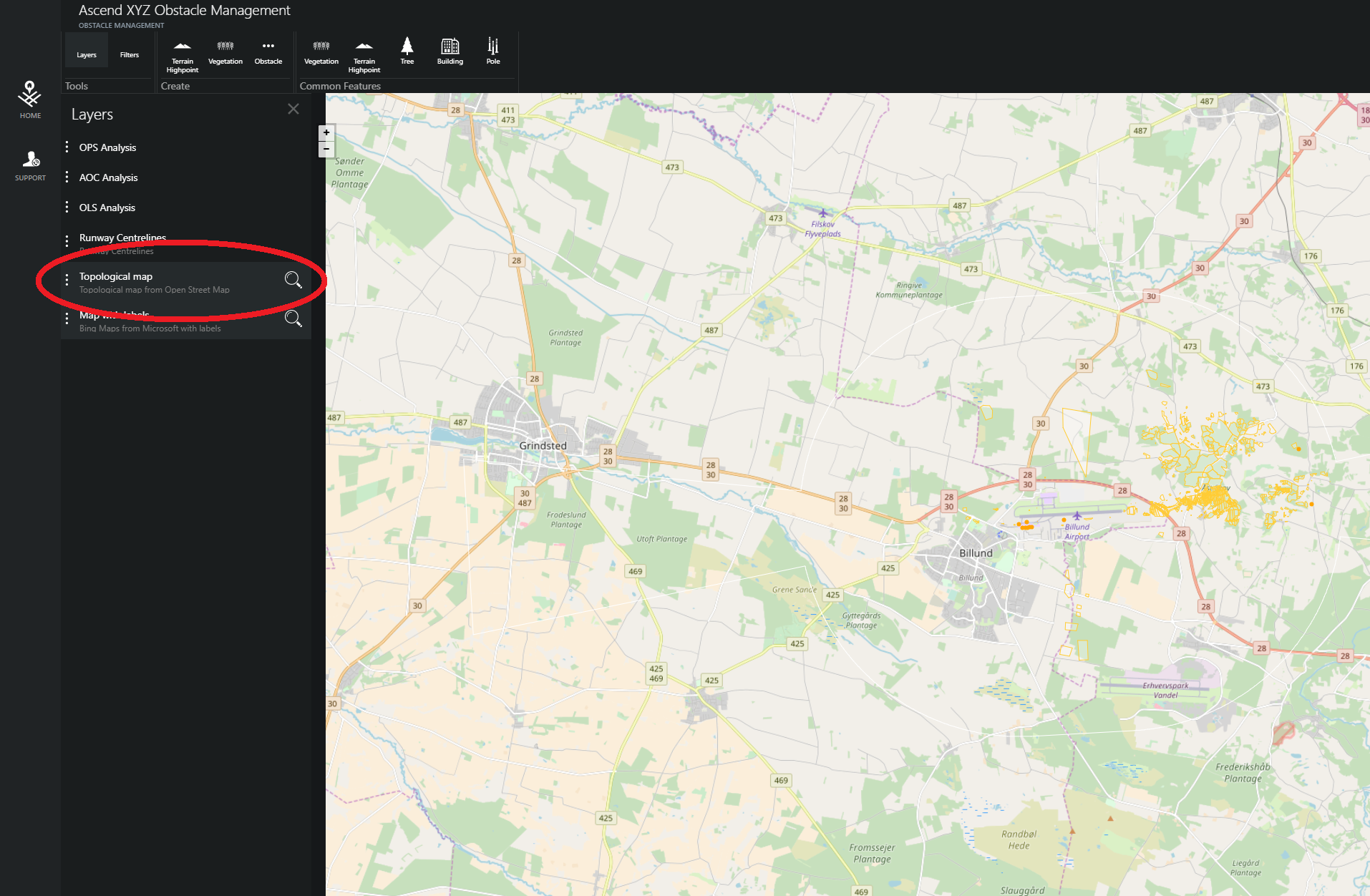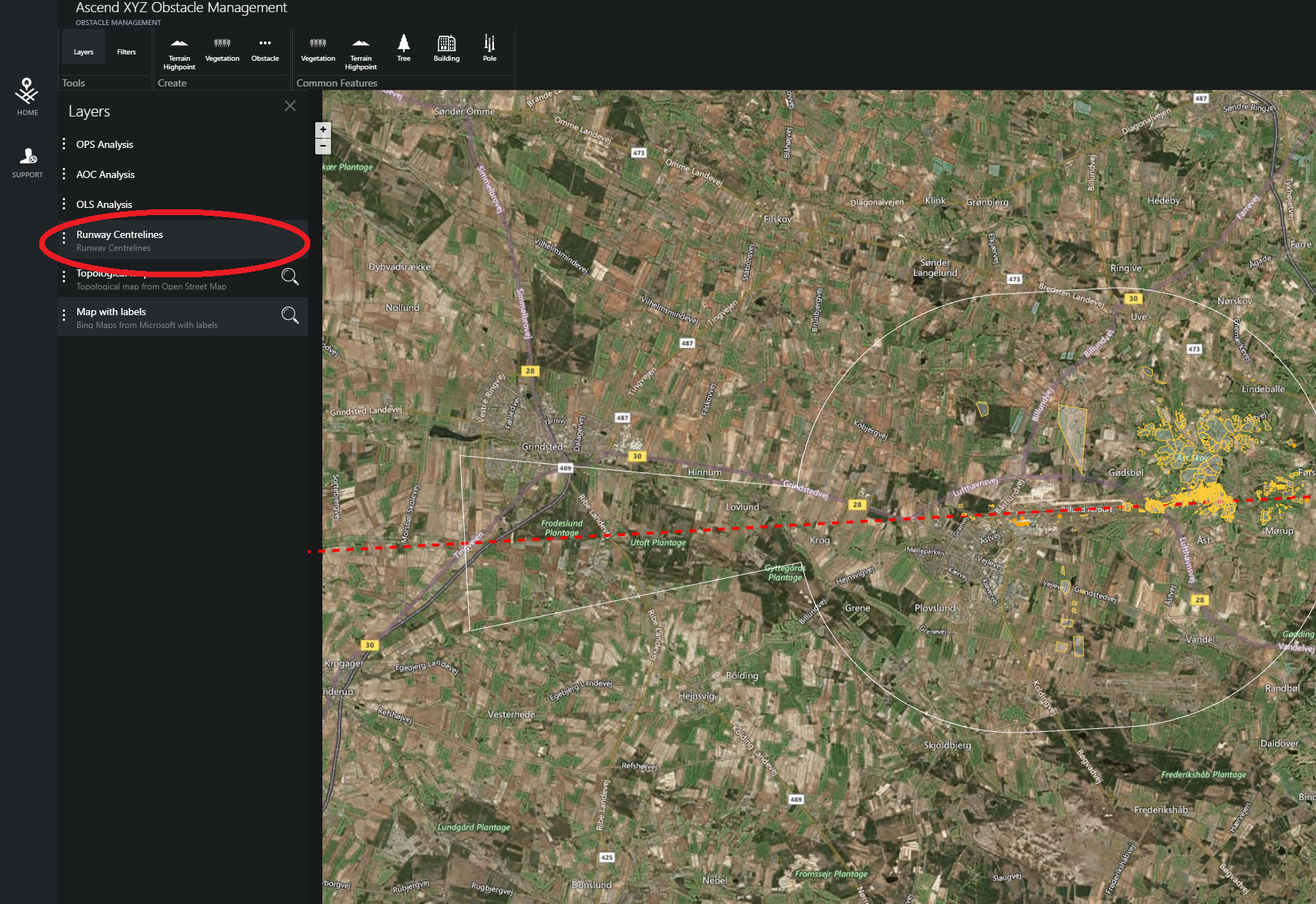

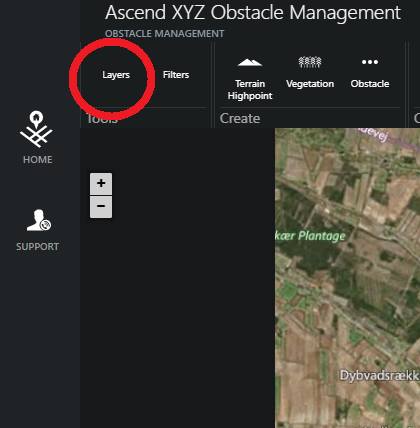
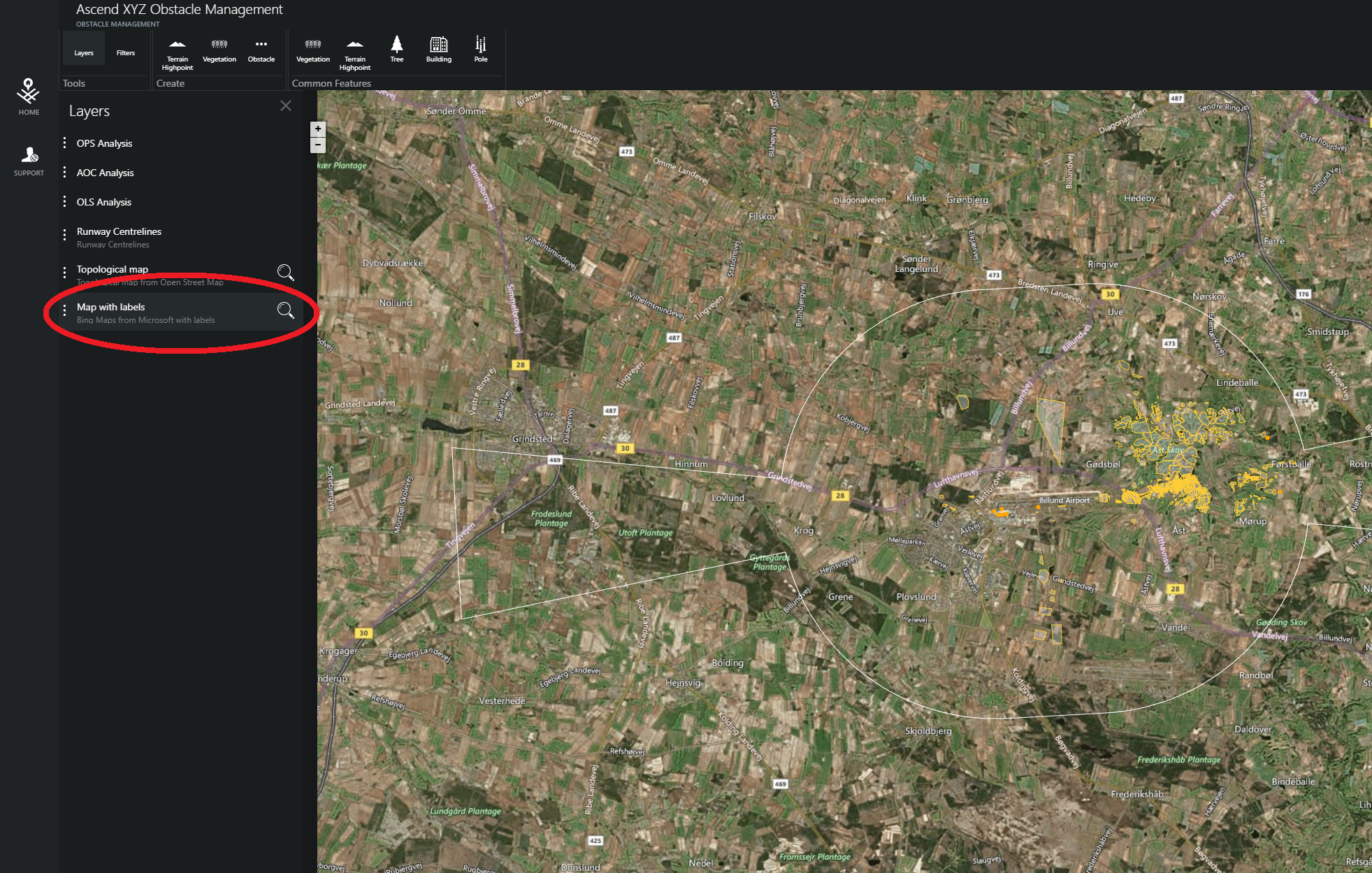
On the left side of the screen is an overview of the Layers that are available. The different layers are “layered” on top of each other. They can be activated/deactivated by clicking them. In the image, the layer “Map with labels” is active and is shown in the map.
The “Map with labels” layer is an aerial map, provided by Bing Maps.