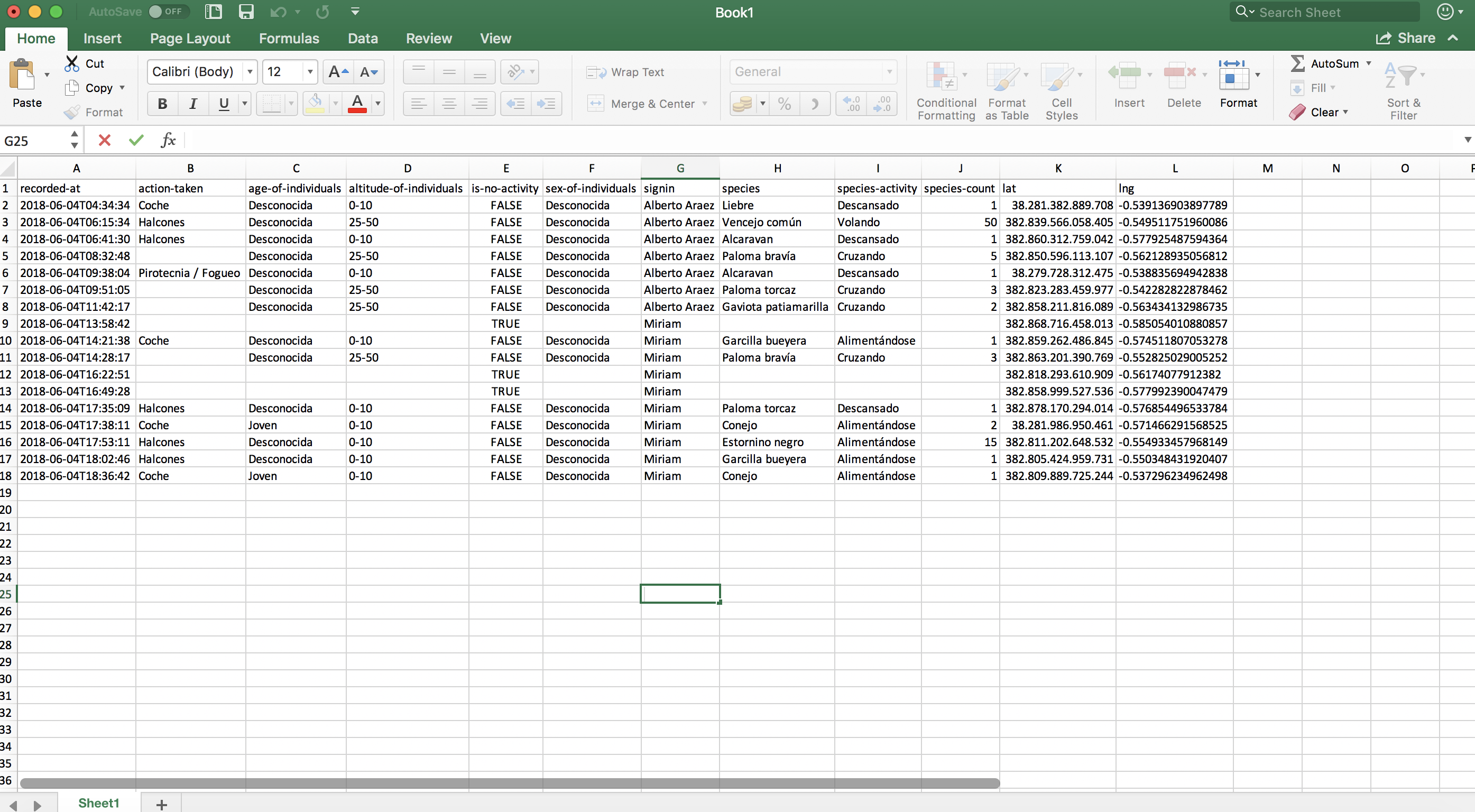

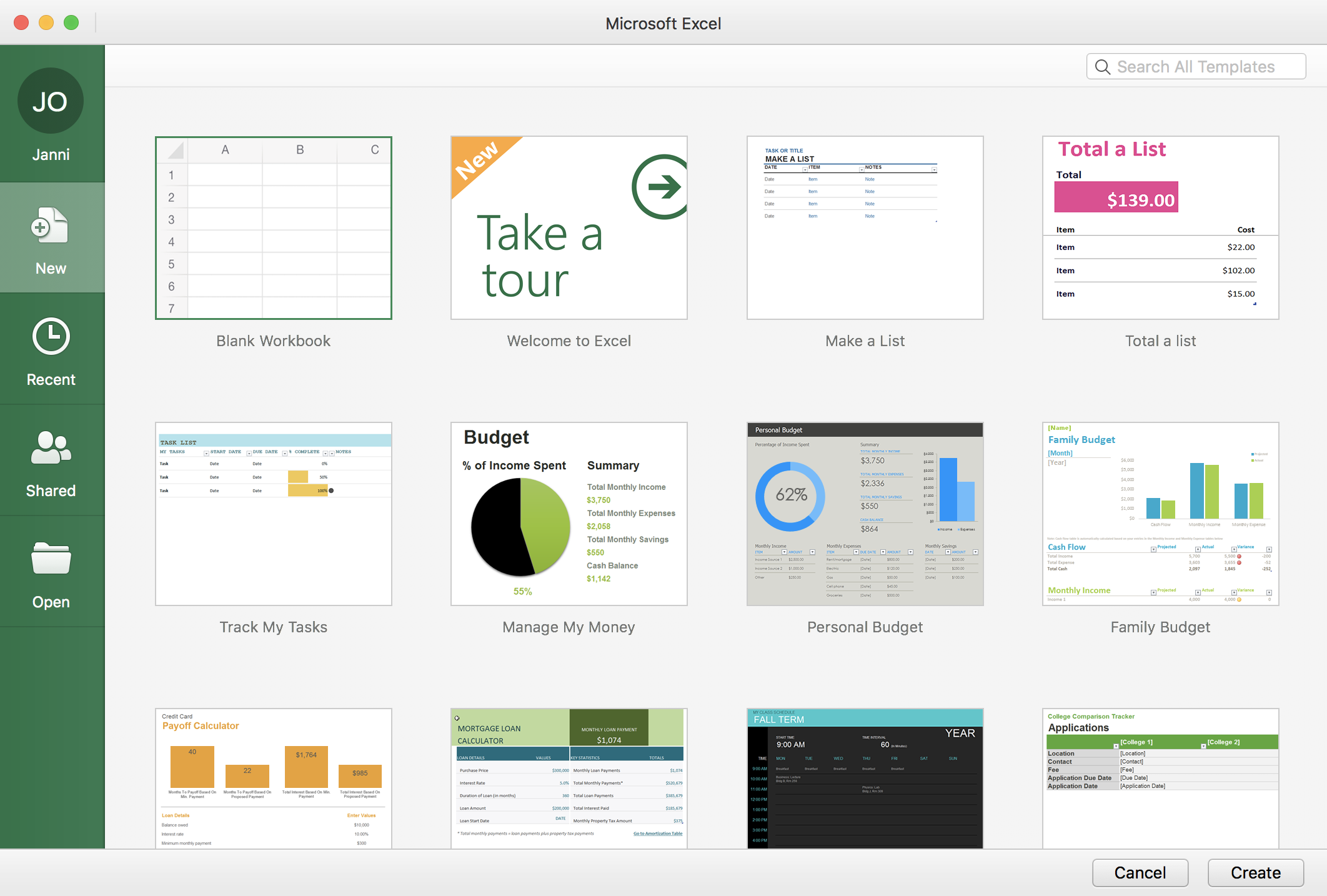
1. Open Excel
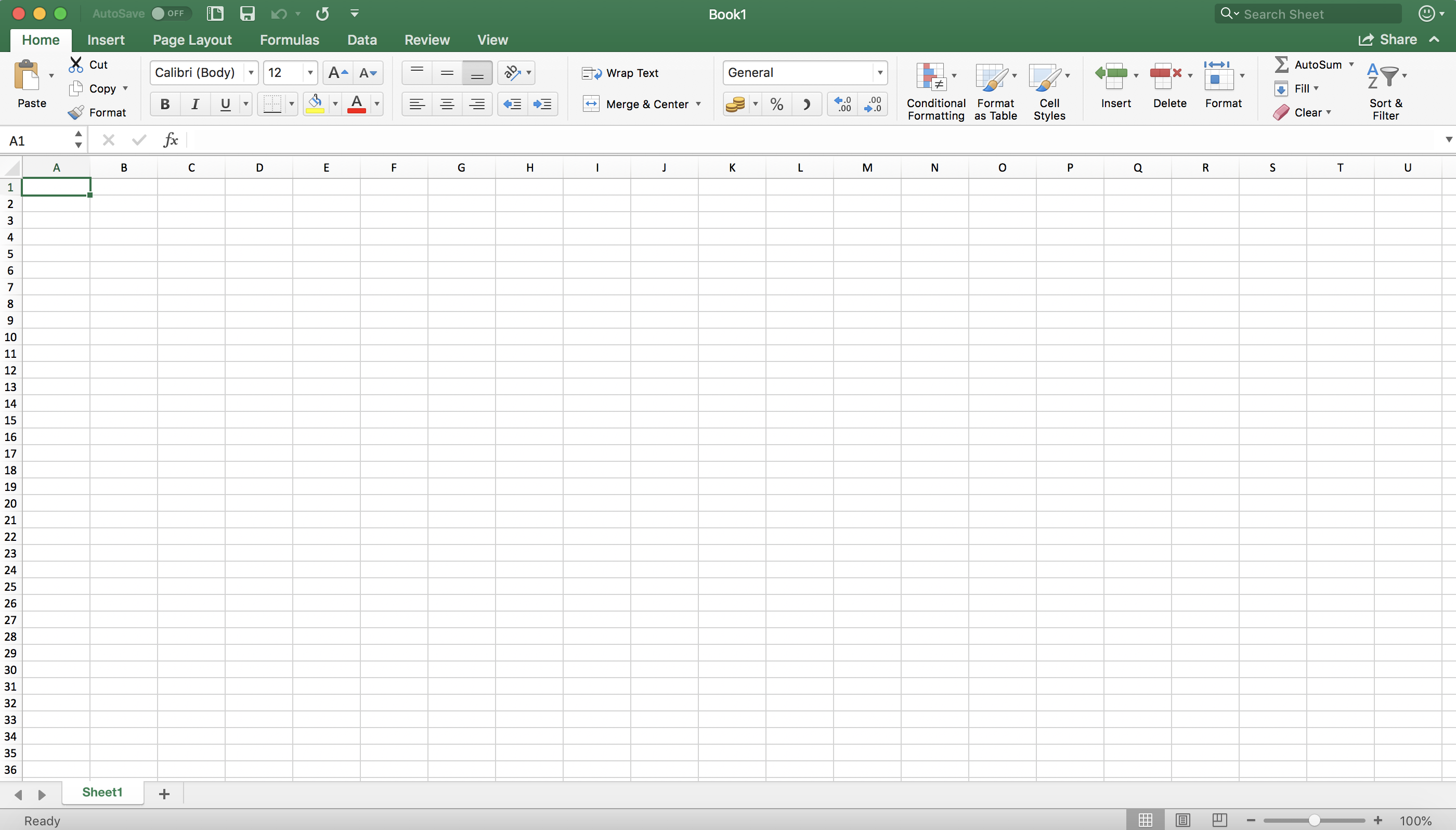
2. Create new spread sheet
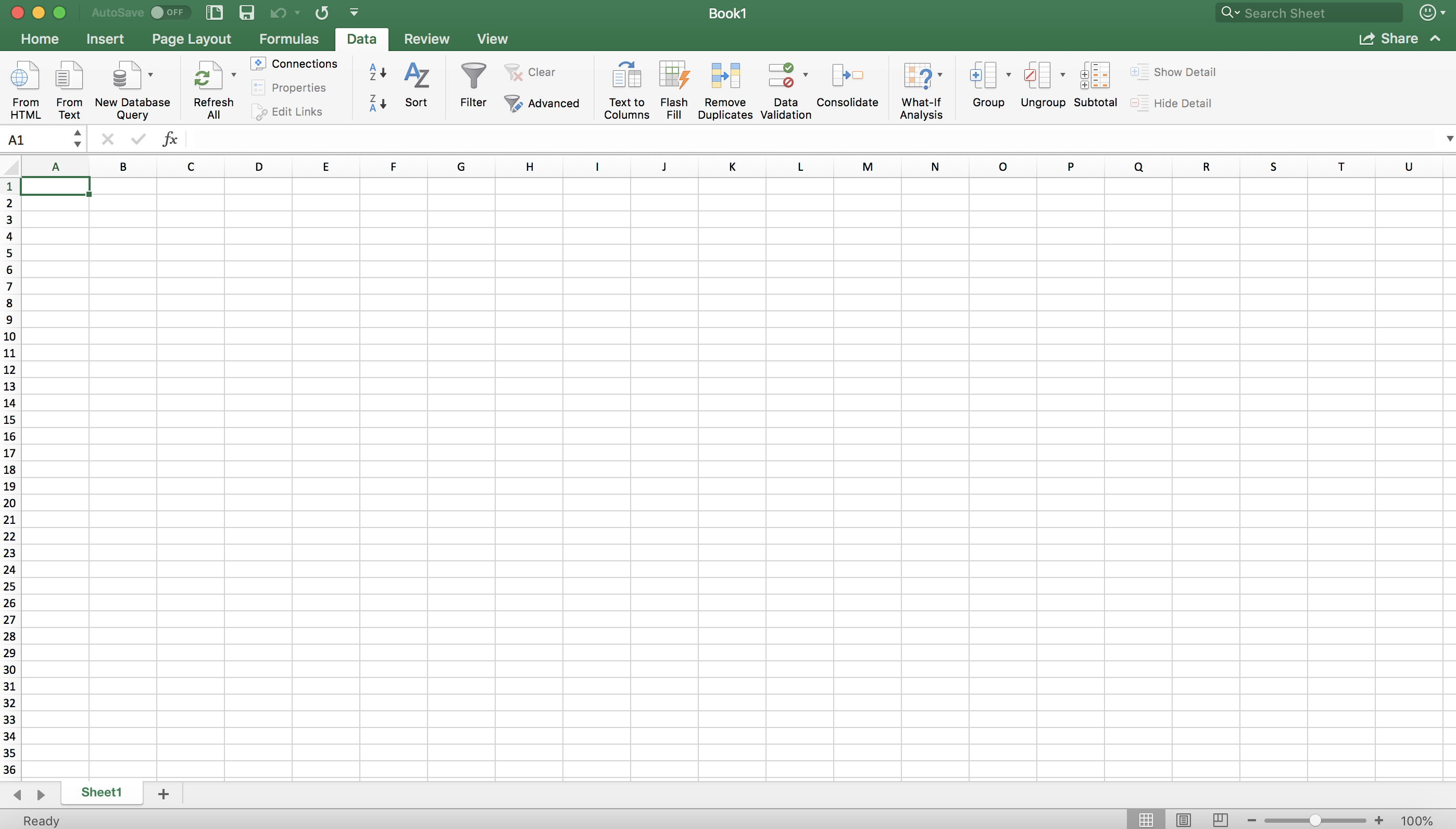
3. Click on “Data”
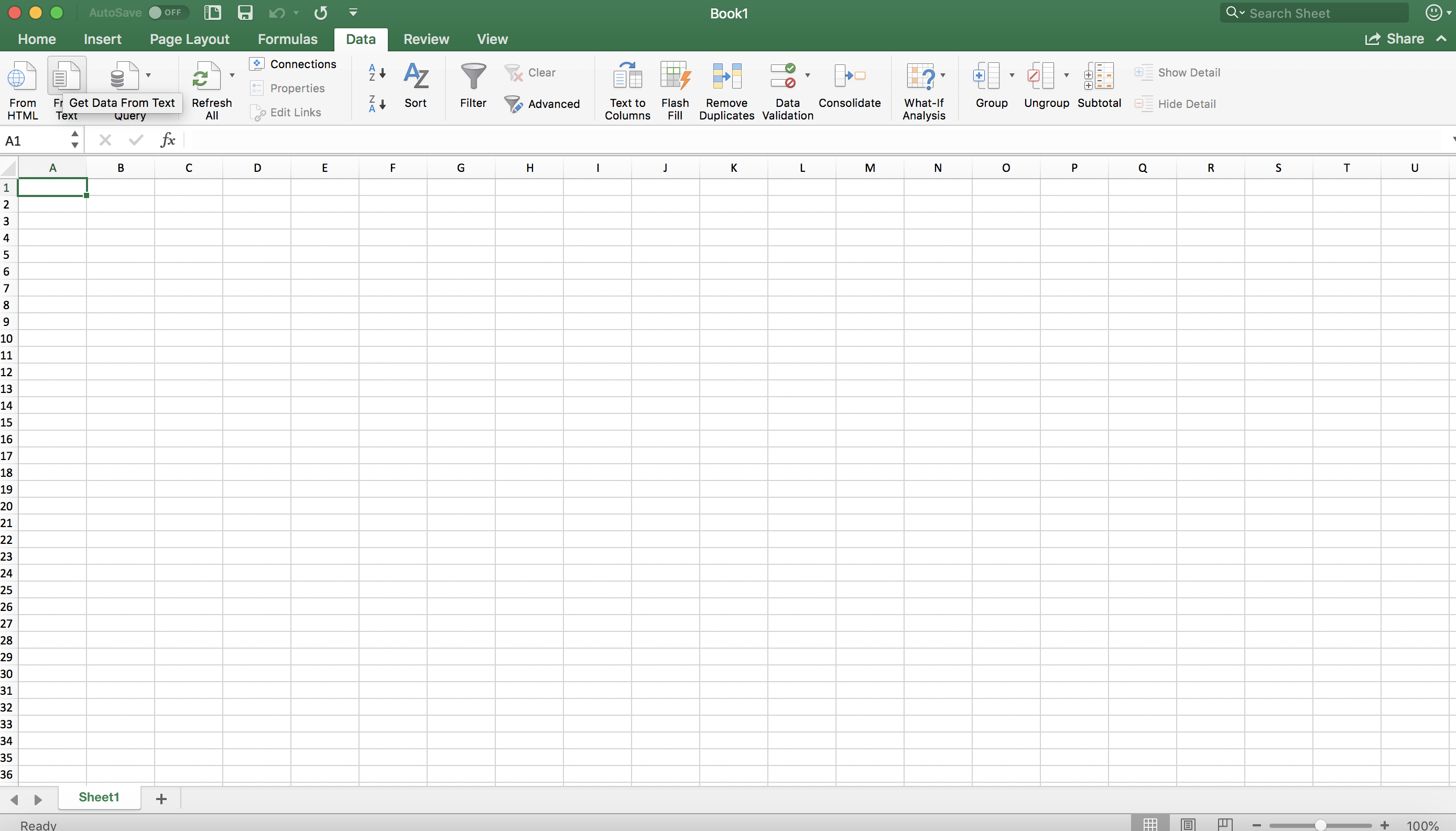
4. Click “From text”
Note: in some versions it could be: “Import from text”
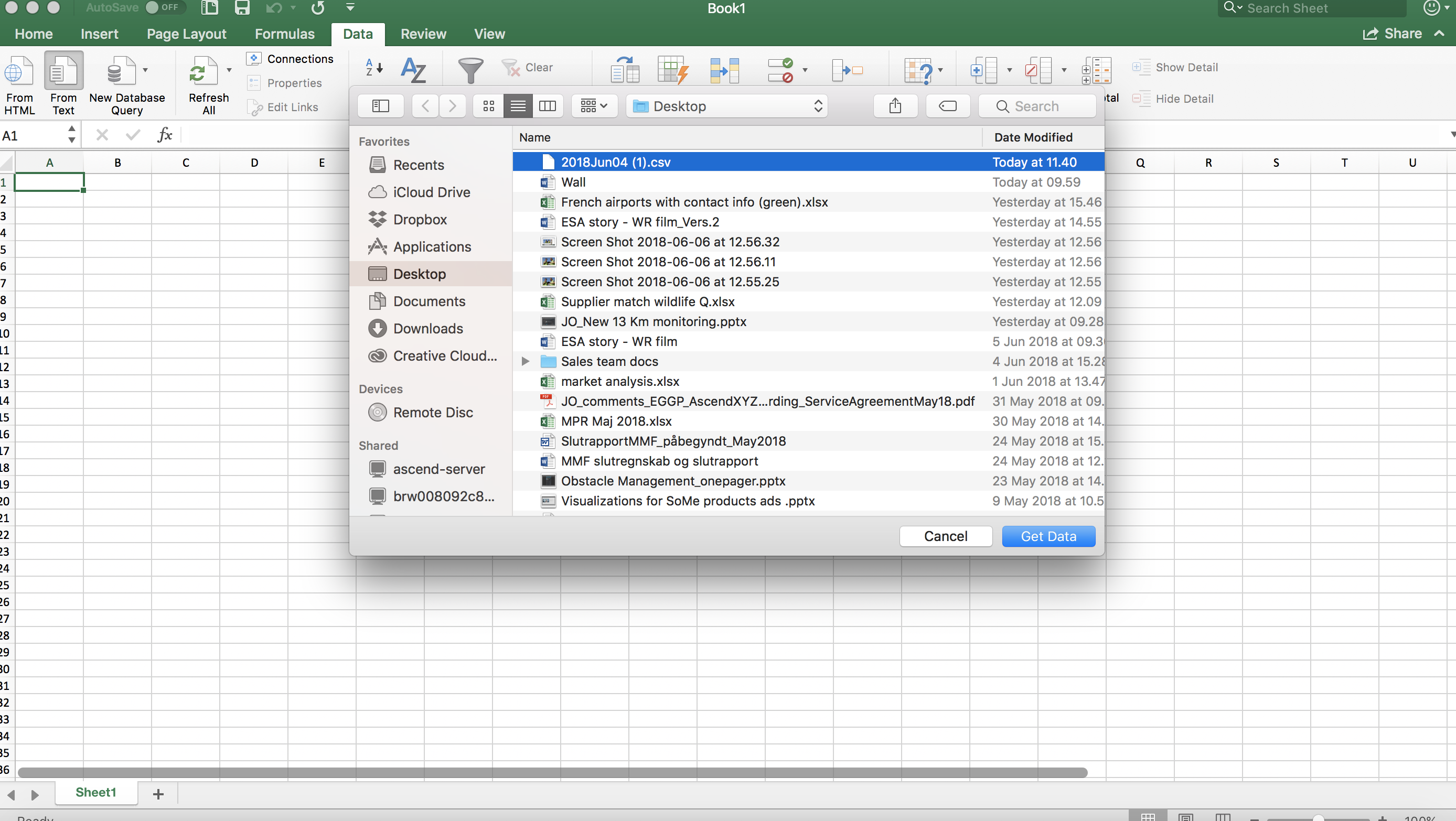
5. Select the file and click “OK / Get Data”
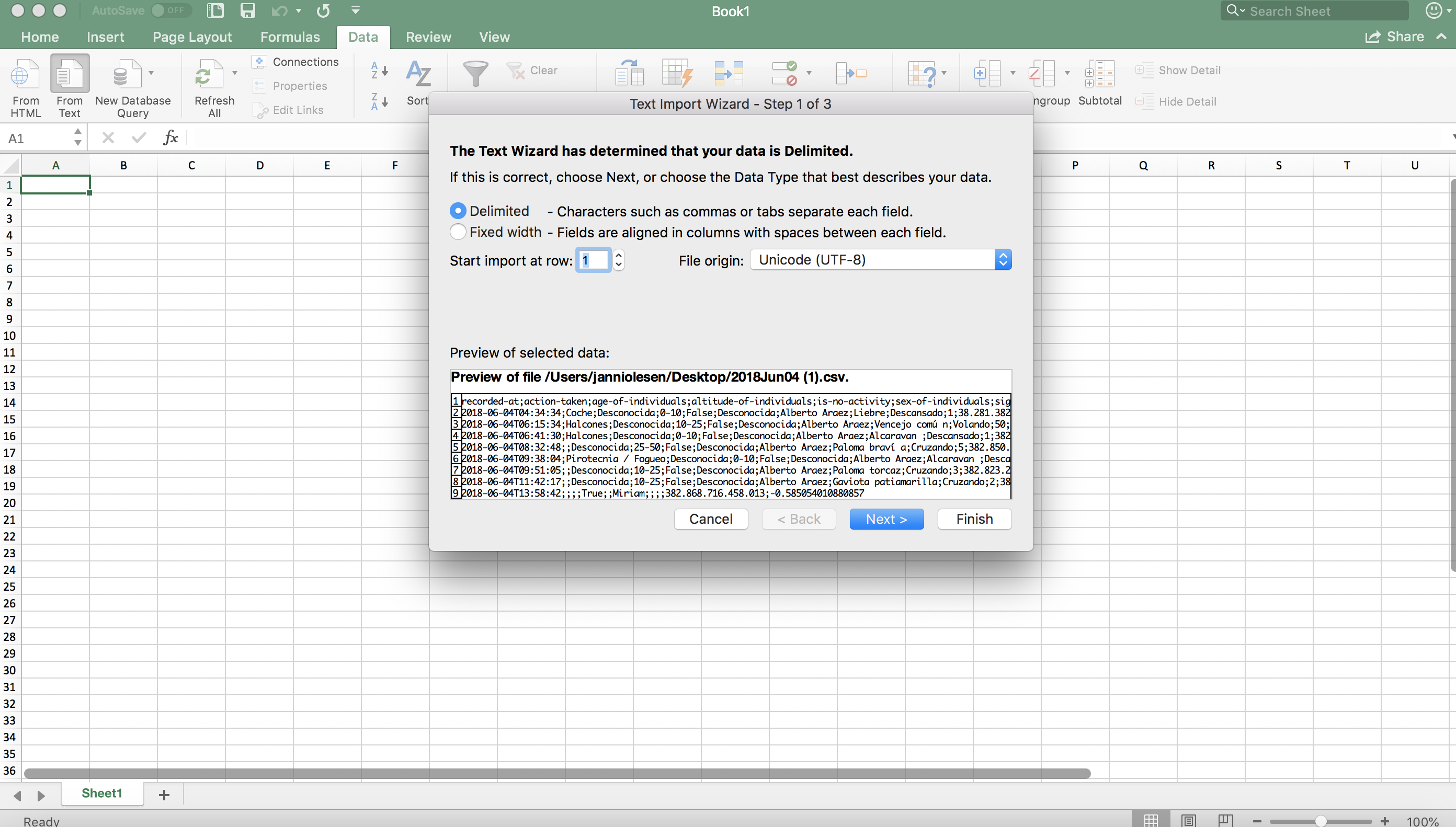
6. Select Unicode (UTF-8) and click Next
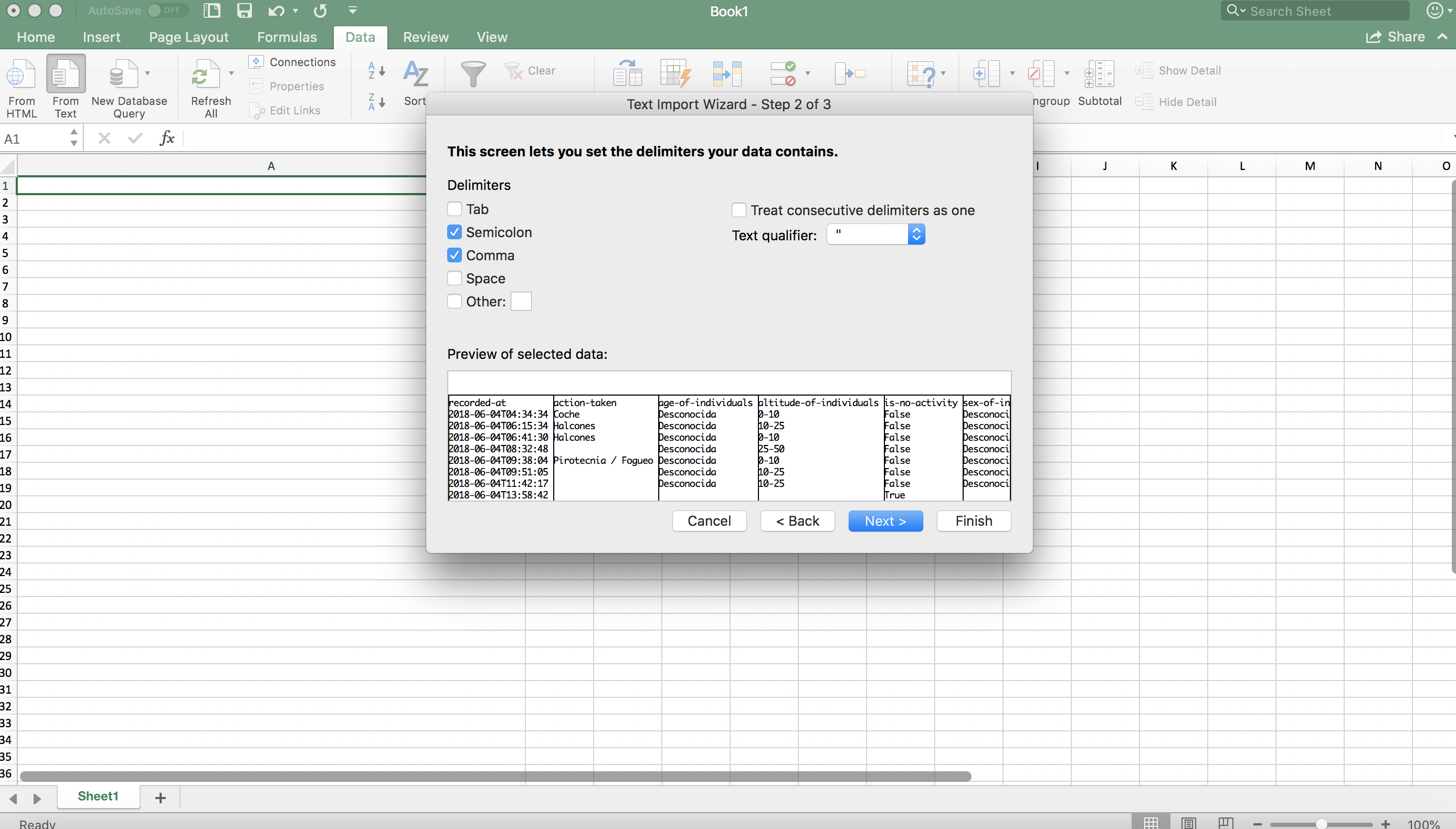
7. Pick “Semicolon” and “Comma”, then click “Next”
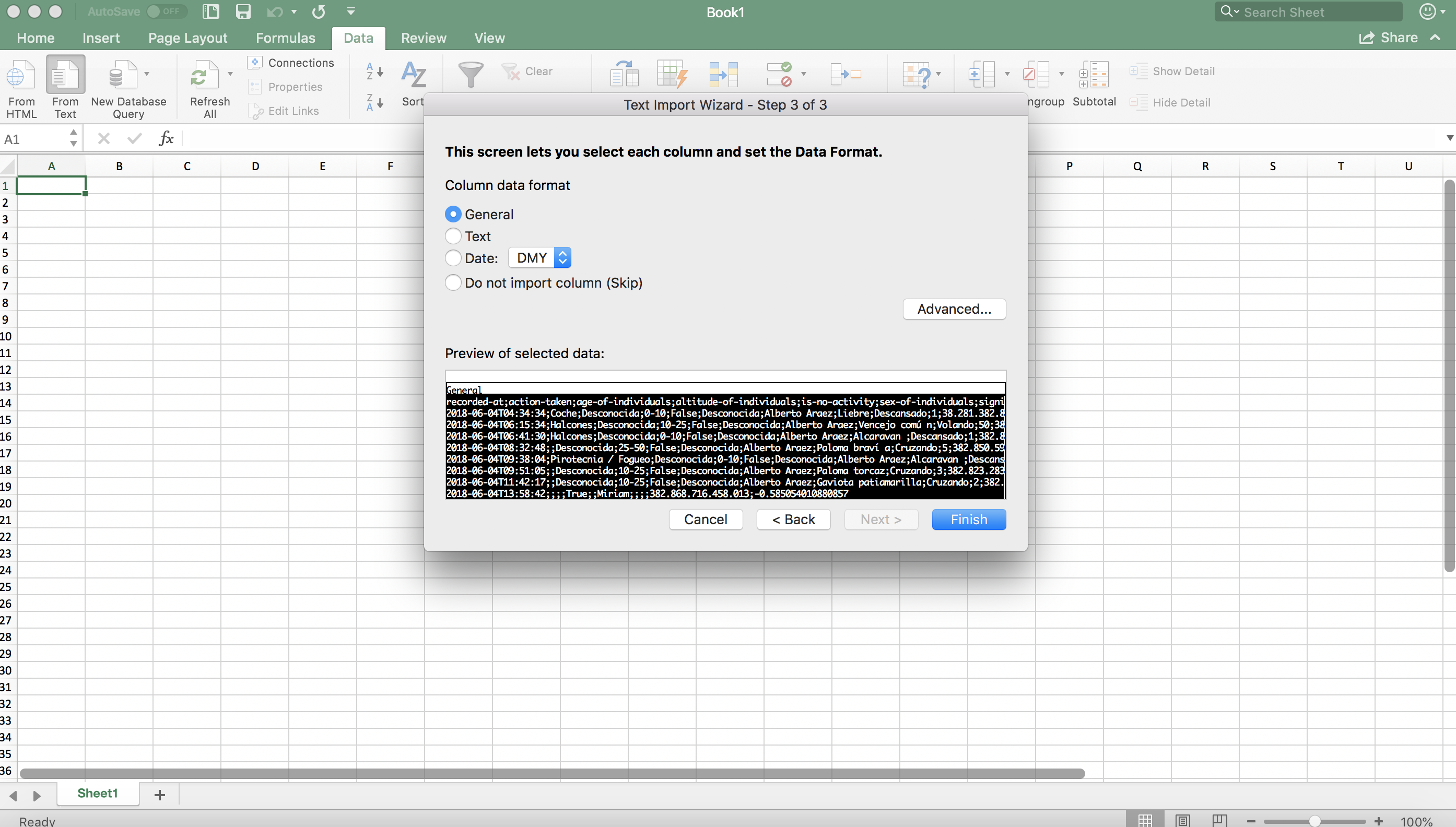
8. Click “Finish”
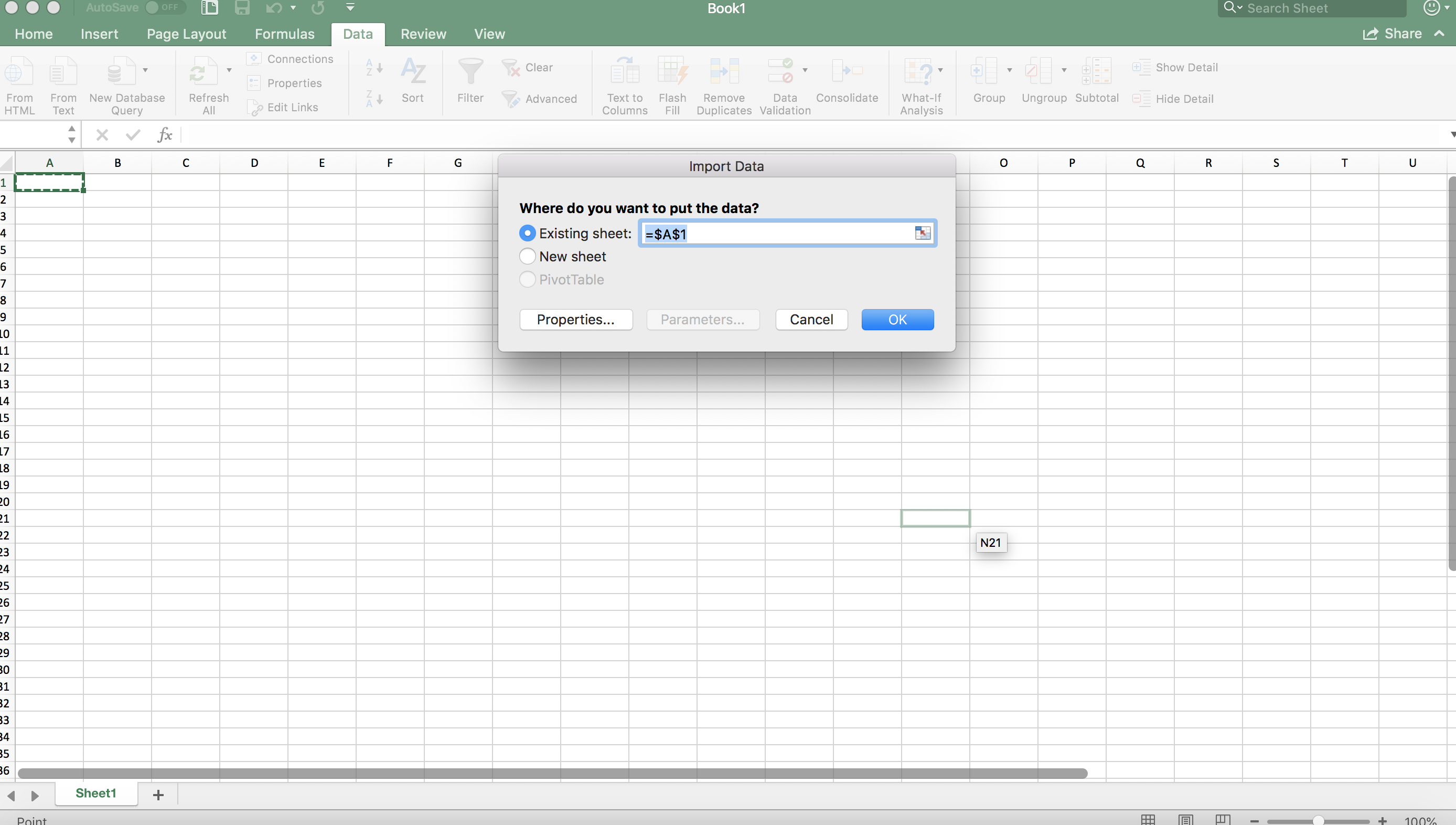
Click “OK”