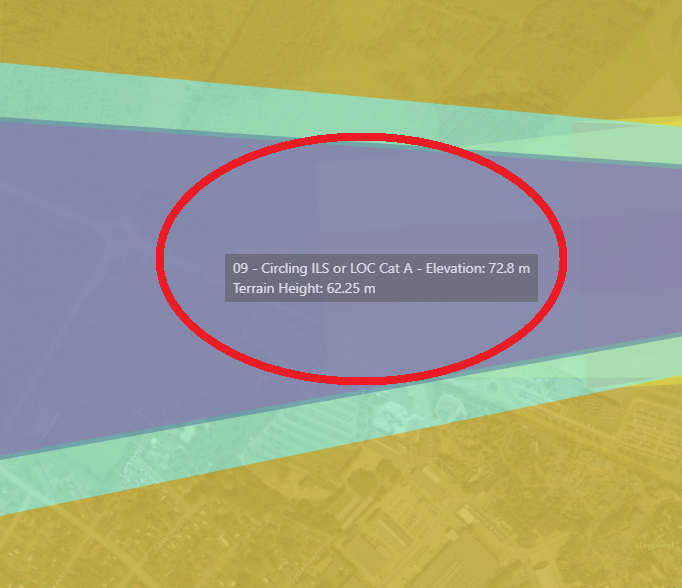

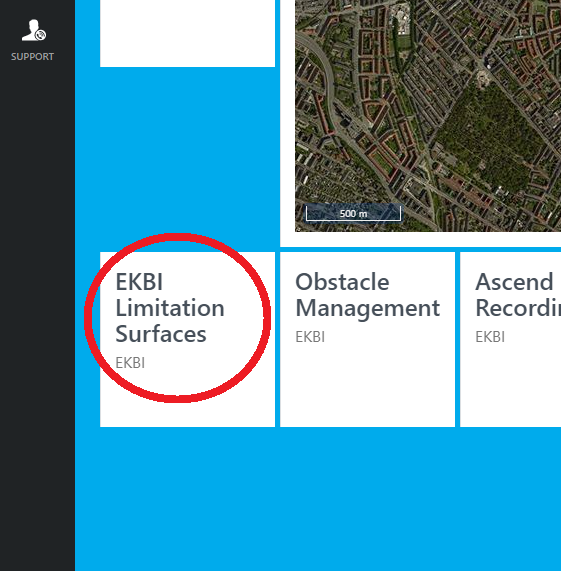
1. Click Limitation Surfaces
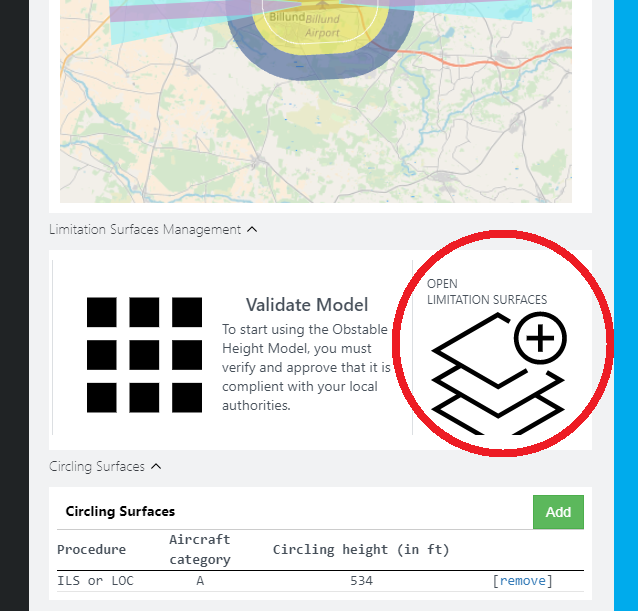
2. Click Open Limitation Surfaces
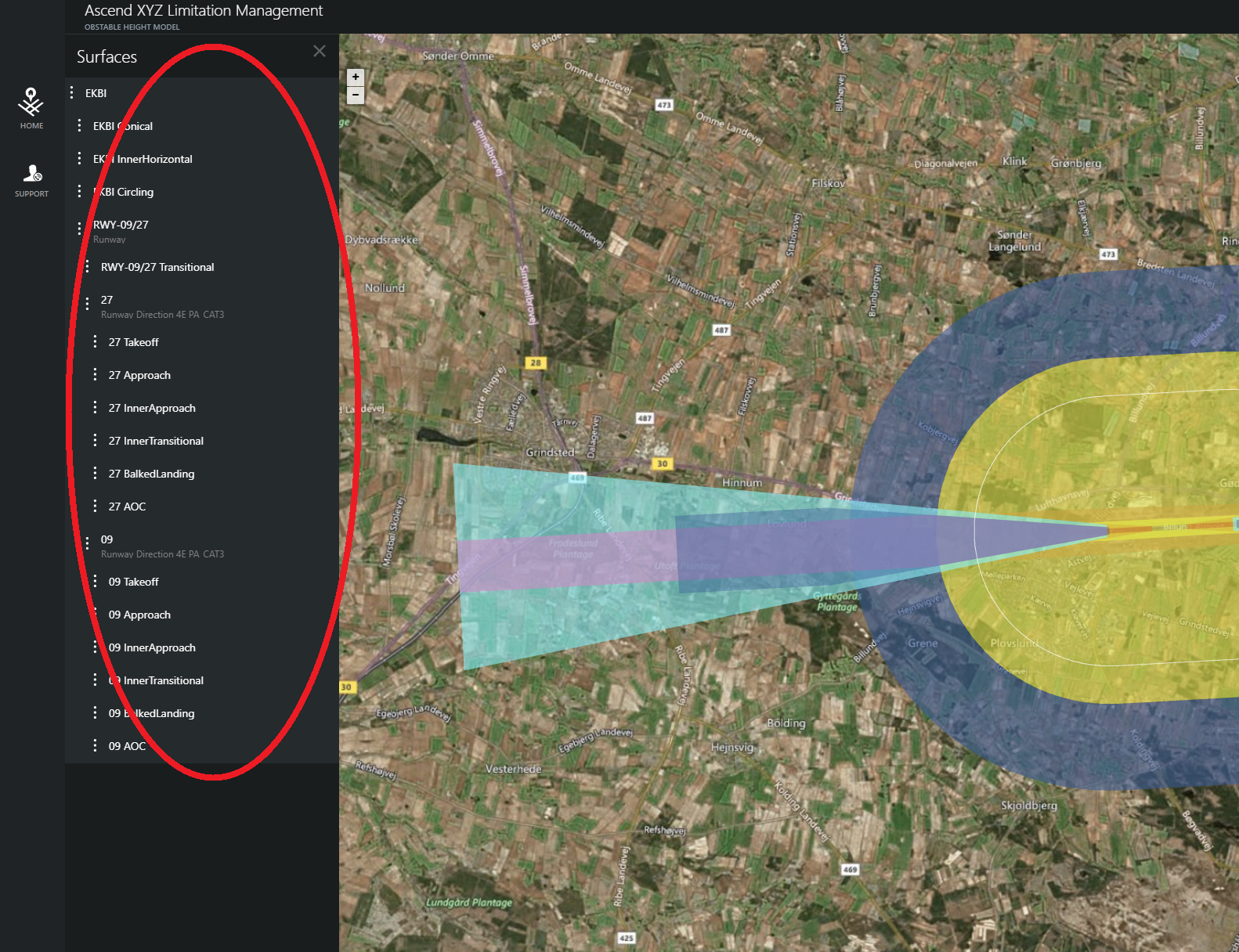
On the left side of the screen is an overview of all the limitation surfaces.
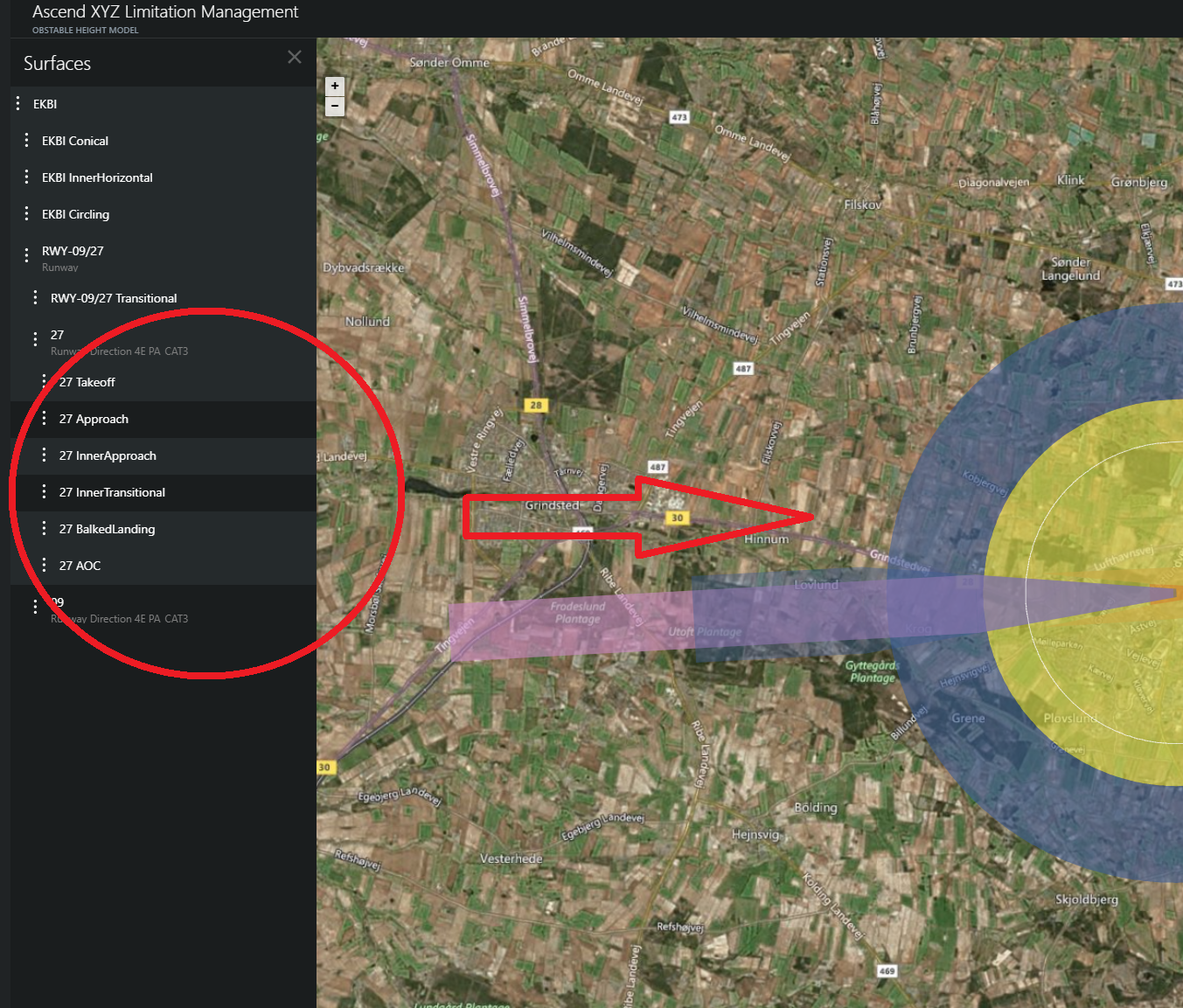
You can activate/deactivate the surfaces by clicking them.
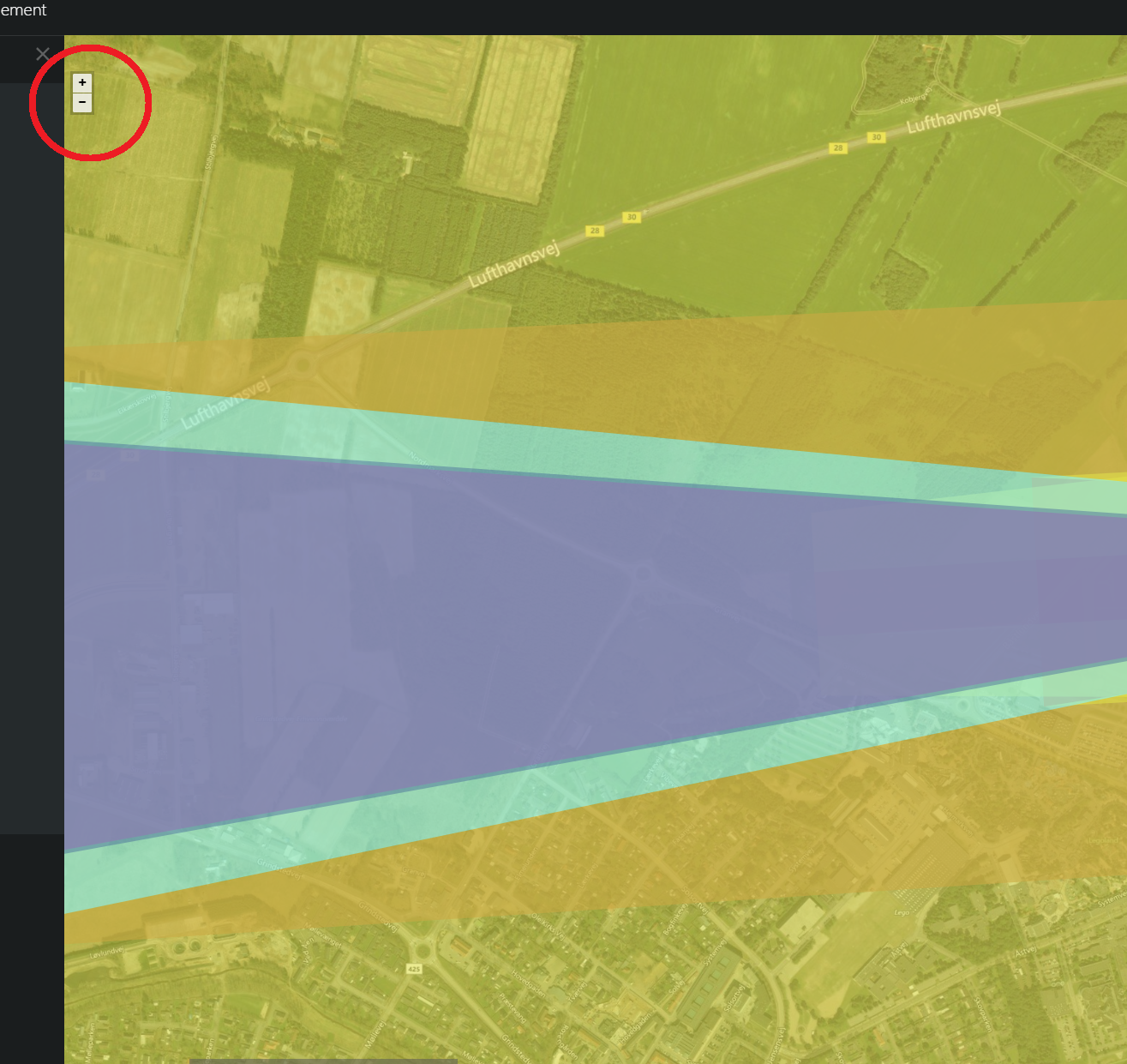
You can zoom in and out of your map, using the controls in the upper left corner of your map.