

Below is a description of how to use the links in your obstacle excel sheet to open the obstacle in the Obstacle Management Module
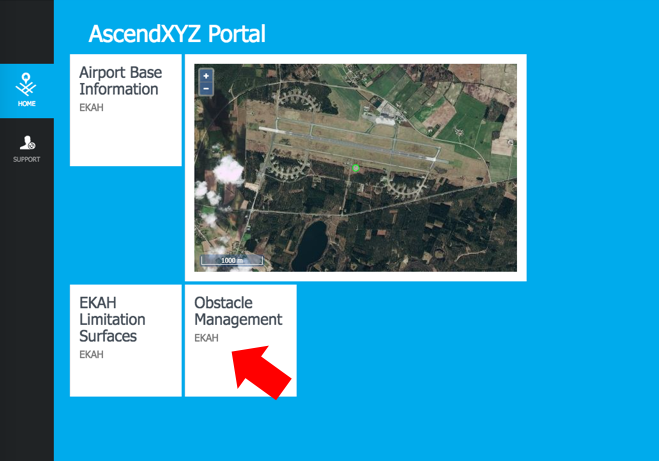
1. Open Obstacle Management
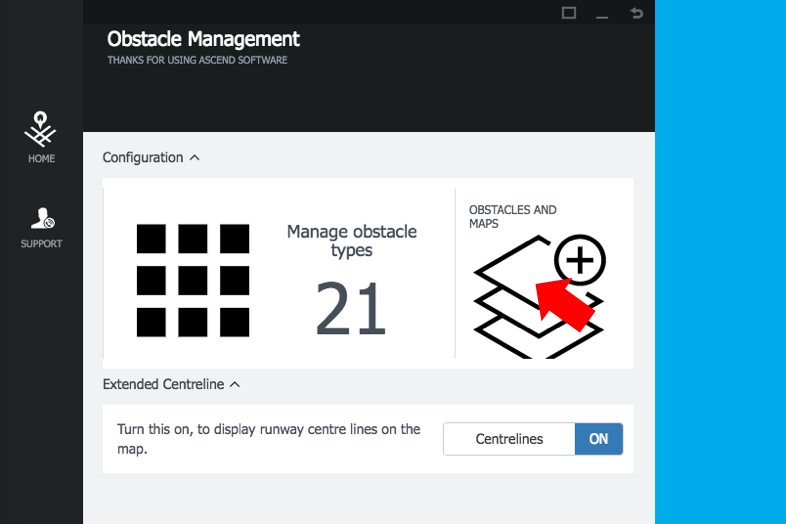
2. Choose “Obstacles and Maps”
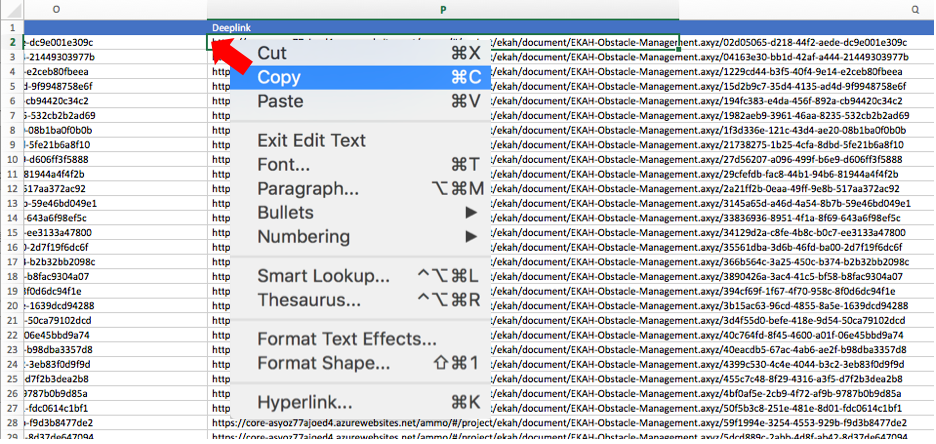
3. Copy link
Copy link from the excel sheet
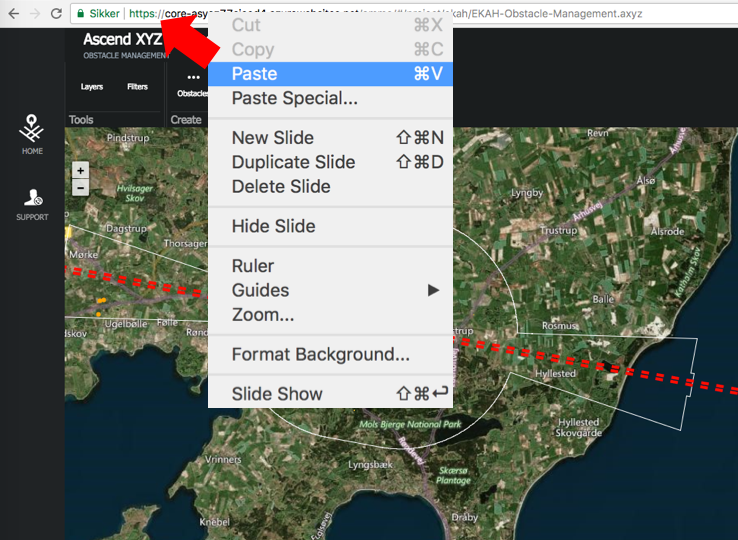
4. Paste the link
Paste the link in to the browser.
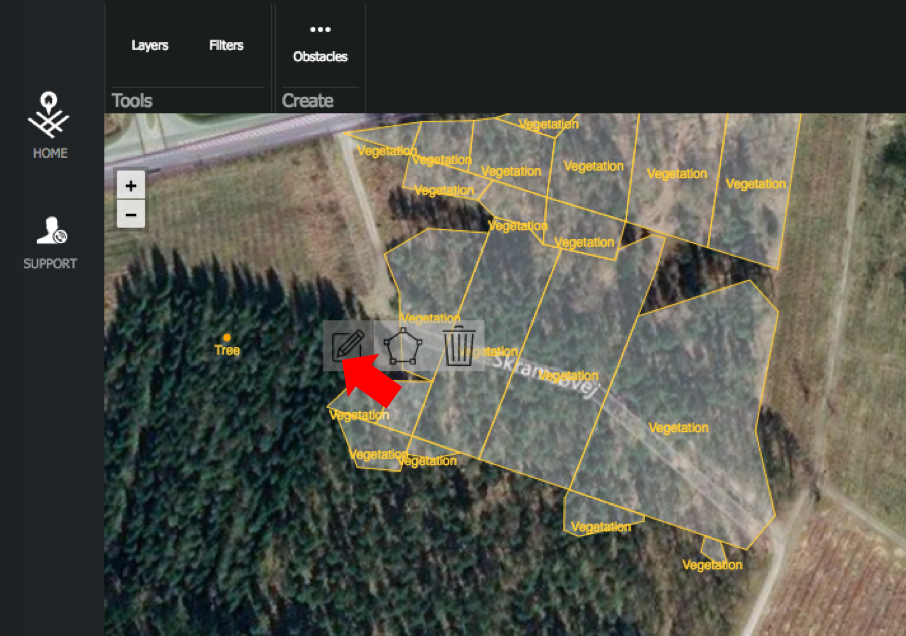
5. View obstacle information
View obstacle information by clicking as shown in image.
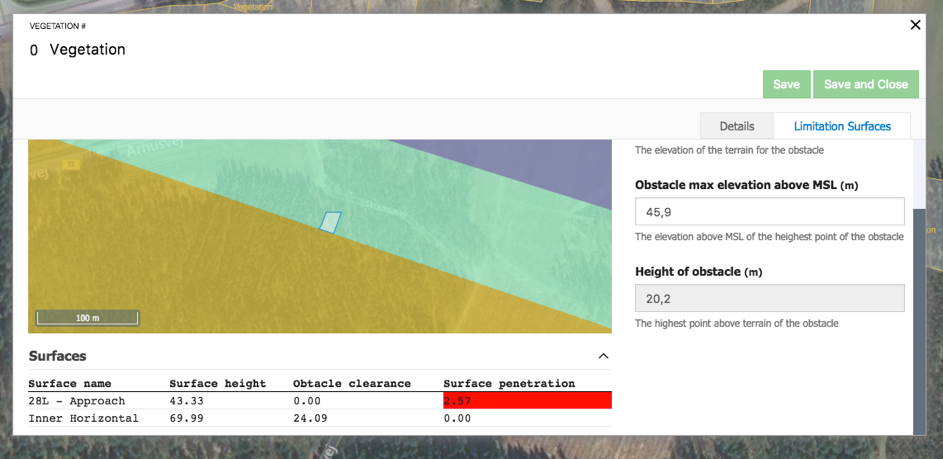
6. Info box
When the info box is open you can view the obstacle information.